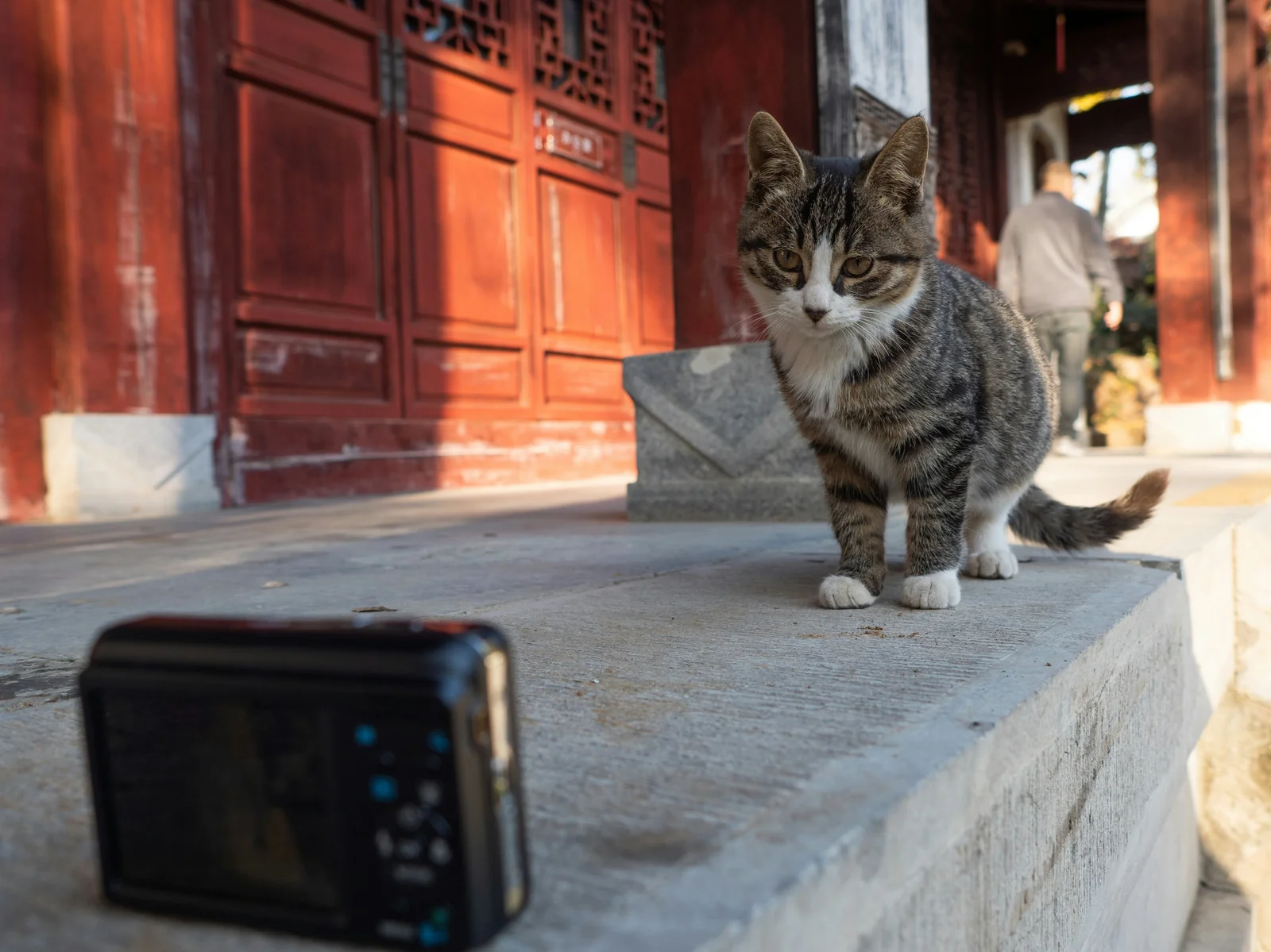
You buy a pet camera so you can check on your pet when you are away, only to discover that the camera itself needs attention. A subscription can appear after the first couple of months, a Wi-Fi failure can leave several cameras offline while you are traveling, or a two-way speaker can make remote communication awkward. Even storage can become a problem when a camera accepts a memory card but later loses access to recorded clips.
Moving cameras add another layer of concern. A device advertised as capable of patrolling the home and returning to its charger may not actually handle furniture, floor edges, or battery recovery as expected.
The reported cases in this review point to a common buying lesson: successful setup is not enough. A camera needs to keep working after you leave home, preserve recordings, maintain useful communication, and deliver the features you paid for without unexpected limits.
REPORTED ISSUES OVERVIEW
| Product Area | Common Problems | Why It Matters |
|---|---|---|
| Subscription and access | Basic viewing or recordings may become tied to a paid plan | A working camera can become less useful after new charges or service changes |
| Wi-Fi, audio, and storage | Offline failures, delayed or unexpected audio, repeated formatting, and lost playback | Problems can prevent you from seeing, hearing, or reviewing what happened while away |
| Moving and charging | Weak navigation, jammed movement, and battery charging failures | A moving camera can lose its main advantage if it cannot move or recharge reliably |
Why Pet Cameras Require Paid Monthly Subscriptions After the Initial Setup Window
You buy a pet camera expecting the basics to remain yours: open the app, see your pet, and review what happened while you were away. The problem starts when a device that worked normally suddenly turns into a monthly bill after the first couple of months.
One reported case tied to PGH-CASE-9G5L describes the camera becoming subject to a paid subscription after two months, with a firmware update reportedly introducing the paywall or ad requirement. Another case, PGH-CASE-2T25, says buyers discovered a $10/month or $83/year charge only after purchase, while existing customers were later pushed toward a new paid model when the older service was discontinued.
The practical sting is obvious: the hardware is still sitting on your wall, but the useful parts of it can suddenly depend on a payment. For someone checking a pet during work or travel, that is a particularly bad time to discover that yesterday's working camera now wants a subscription.
👀 Look for the Local Storage Option
Before buying, check whether the camera can keep recordings on an SD card or another local destination without forcing you into a paid plan. If live viewing or stored footage disappears unless a subscription is active, ask yourself what exactly you are purchasing—the camera, or temporary permission to use it.
A more consumer-friendly setup should leave basic viewing and recording usable without a recurring charge, while paid services can remain optional extras. The cases here do not establish that every subscription-based camera will behave this way, but they do show why hidden fees and discontinued legacy services deserve careful scrutiny before purchase.
How to Fix Sudden Wi-Fi Disconnections and Offline Status During Travel
The worst time for a pet camera to disappear is not during setup—it is when you are three states away and nobody is home to touch it. A camera that quietly drops offline can turn a routine work trip into a long-distance guessing game.
One reported case, PGH-CASE-3D82, involved four cameras going offline at the same time despite stable internet and power. The owner was traveling, so there was no practical way to reset the devices in person. Another reported case, PGH-CASE-DZKK, describes repeated connection failures even with the camera only about three feet from the router, requiring more than ten attempts before the app finally connected.
That distinction matters. A camera that fails because the router is too far away is annoying; a camera that cannot recover by itself is useless once you leave home. When the connection disappears and the only solution is physically pressing a reset point, distance becomes the real failure.
🧳 Pull Up the Camera Before You Leave
Try disconnecting the camera from Wi-Fi while you are still at home, then reconnect it without touching the device. Watch whether it recovers on its own and whether the app returns to live view normally.
If the camera repeatedly needs someone standing beside it, treat that as a serious warning for travel use. A missing reset tool can make the problem even worse: one reported unit required a reset method that the owner could not perform with ordinary household items.
The bigger question is whether the camera can stay reachable after a temporary connection loss, rather than merely connecting successfully once. For a travel setup, reliable recovery matters just as much as initial Wi-Fi pairing.
The reported failures here do not prove that every unit will behave the same way, but they show why buyers should test reconnection before trusting a camera to watch a pet from hundreds of miles away.
What Audio Lag Means for Two-Way Pet Cameras and Pet Reaction Times
Two-way audio sounds simple until the person on the other end starts talking and the pet hears the answer a moment later. A delayed command can become confusing noise, especially when the camera already adds crackling, unexpected sounds, or interruptions.
A reported case tied to PGH-CASE-DZKK describes a tracked camera unexpectedly speaking on its own, including around visitors. That kind of unexplained sound can startle both people and pets, particularly when the owner is relying on the speaker for calm remote interaction.
Another case, PGH-CASE-G5L, involved live monitoring being interrupted by lengthy ad playback, making immediate interaction difficult when the owner needed to watch what was happening. The underlying complaint is simple: when communication arrives late or gets interrupted, the owner loses control of the moment.
🔊 Speak Once, Then Watch the Reaction
Stand a few feet from the camera and use two-way audio while someone watches the pet. Say a short, familiar command and listen for obvious delay, repeated sound, harsh feedback, or an echo that makes your own voice difficult to understand.
A delay above roughly 300 milliseconds is cited in the supplied evidence as a point where command-following can deteriorate sharply, with reported response rates dropping from 68% to 29%. The same material flags sound levels above 85 dB SPL as potentially stressful for animal hearing, so unusually loud playback is another reason to be cautious.
The practical target is straightforward: fast audio, controlled volume, and clean playback. A camera that makes you repeat yourself, produces an echo, or suddenly talks when nobody asked it to is not providing much comfort from the other side of the house.
These reported experiences do not mean every delayed pet camera will frighten an animal, but they do make audio performance worth checking before relying on the speaker for remote reassurance.
MicroSD Card Formatting Errors: Supported Size Limits vs Actual Playback Capacity
A pet camera can advertise a generous MicroSD capacity and still leave you with a card that the camera barely recognizes. The frustrating part comes later: the card appears accepted, then recording fails, playback disappears, and the app keeps asking you to format it again.
One reported case, PGH-CASE-9G5L, involved a camera advertised as supporting 256GB while reportedly recognizing only 128GB. That leaves the buyer paying extra for storage that the camera may not actually use. Another case, PGH-CASE-S8Z7, describes repeated failures across multiple certified cards, with recorded footage becoming inaccessible after about a week.
There was also a separate complaint associated with PGH-CASE-3D82 involving a promised 512GB card that reportedly never arrived. That is a different problem, but the consumer impact is similar: the advertised storage promise does not necessarily match what ends up available for recording.
💾 Open the Card Before Trusting It
Insert the card you actually plan to use, format it through the camera if required, and then record several clips before relying on it for anything important. Come back later and confirm that the older clips can still be opened instead of simply assuming that a successful initial format means the storage is working.
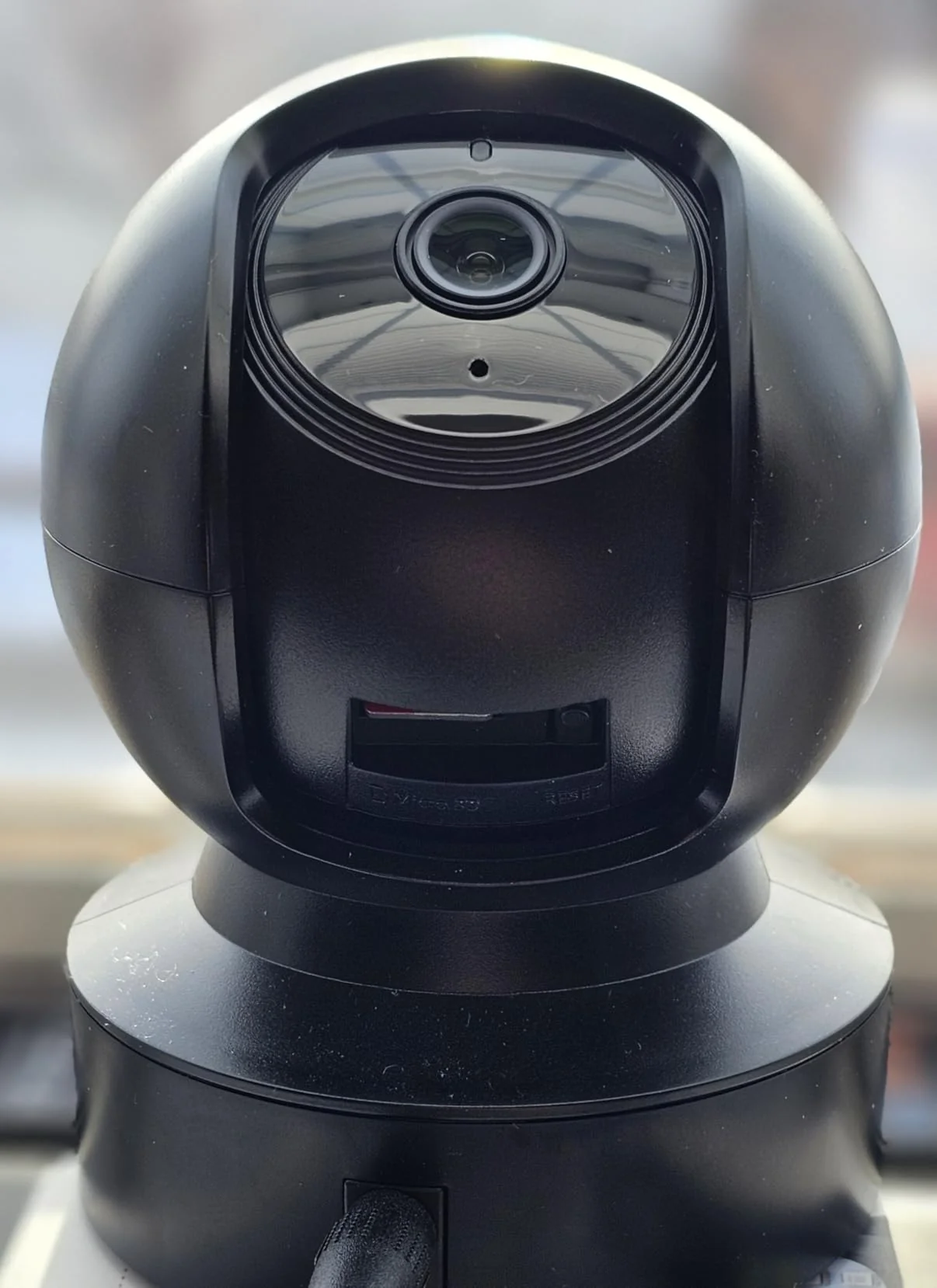
If the camera repeatedly demands another format, treats a large card as a much smaller one, or records successfully only to lose playback later, do not treat the printed capacity as proof of usable recording space.
These reported failures do not establish that every advertised high-capacity card will fail in the same way. But they do make the practical rule pretty simple: test the actual card and actual playback capacity before trusting a pet camera to preserve footage you may need later.
Moving Pet Camera Navigation: Avoiding Battery Failure and Jammed Tracks
A moving pet camera sounds great on the product page: let it patrol the house, follow the action, and return to its charger when the battery gets low. But there is a big difference between a camera you can drive remotely and one that can actually manage itself around a home.
A reported case tied to PGH-CASE-DZKK involved a $171 unit that did not provide the expected self-navigation or automatic return-to-charge behavior. The same report describes the battery stopping its charge after about two months, while account creation problems left the device unusable from the start.
That creates an especially awkward failure: the expensive part is still sitting on the floor, but the thing you bought it to do is no longer happening. If the camera cannot get around the house reliably, the "robot" label starts looking more like a remote-control toy with a camera attached.
🔋 Drive It Around Before You Trust It
Before leaving the unit alone, drive it across the rooms where you actually expect it to operate. Watch for hesitation, repeated stops, difficulty getting around furniture, or tracks that catch on ordinary floor edges.
Then run the battery down enough to verify that charging actually works afterward. A camera that performs beautifully for its first few outings but cannot reliably recharge becomes a stationary camera with extra ways to fail.
The supplied evidence describes the reported unit as lacking the autonomous features buyers expected and becoming unusable after its charging failure. It does not establish that every moving camera will experience the same outcome, so the safer buying question is whether the manufacturer clearly demonstrates the navigation and recovery behavior you are paying for.
For a moving camera, battery recovery matters just as much as movement. If either one fails, the premium you paid for mobility may disappear with it.
CONCLUSION
A careful buyer should judge a pet camera by what happens after the initial setup, not just by how good the product page looks. Test the features you expect to use when nobody is home. Disconnect the camera from Wi-Fi and see whether it can reconnect without someone touching the device. Try two-way audio and check for obvious delay, echo, harsh feedback, or unexpected sounds. If recording matters, test the actual MicroSD card and return later to confirm that saved clips still play.
Subscription terms deserve the same attention. Check which basic functions remain available without a recurring payment and whether local storage is supported. For moving cameras, drive the unit through the rooms where it will actually operate and confirm that charging works after the battery runs down.
These checks take some effort, but they can reveal problems that a successful first-day setup will not show.
THE ULTIMATE BUYING VERDICT
| Verdict | Key Consideration | Recommendation |
|---|---|---|
| 🔴 Significant concerns | Some reported cameras developed subscription restrictions, offline problems, storage failures, unexpected audio behavior, or charging and movement problems | Be cautious when basic monitoring depends on paid service, physical resets, unreliable playback, or features that are not clearly demonstrated |
| 🟡 Acceptable with limitations | A camera may still work if the buyer accepts recurring fees, tests storage carefully, or uses moving features only within suitable areas | Consider it only after confirming the exact subscription terms, reconnection behavior, storage playback, audio quality, and charging performance |
| 🟢 Meets long-term expectations | The more desirable setup keeps basic viewing and recording usable, reconnects after temporary Wi-Fi loss, provides clear two-way audio, preserves recordings, and reliably moves and recharges when those features are promised | Look for cameras whose essential functions remain useful without unexpected recurring costs and test the features that matter before relying on the device remotely |