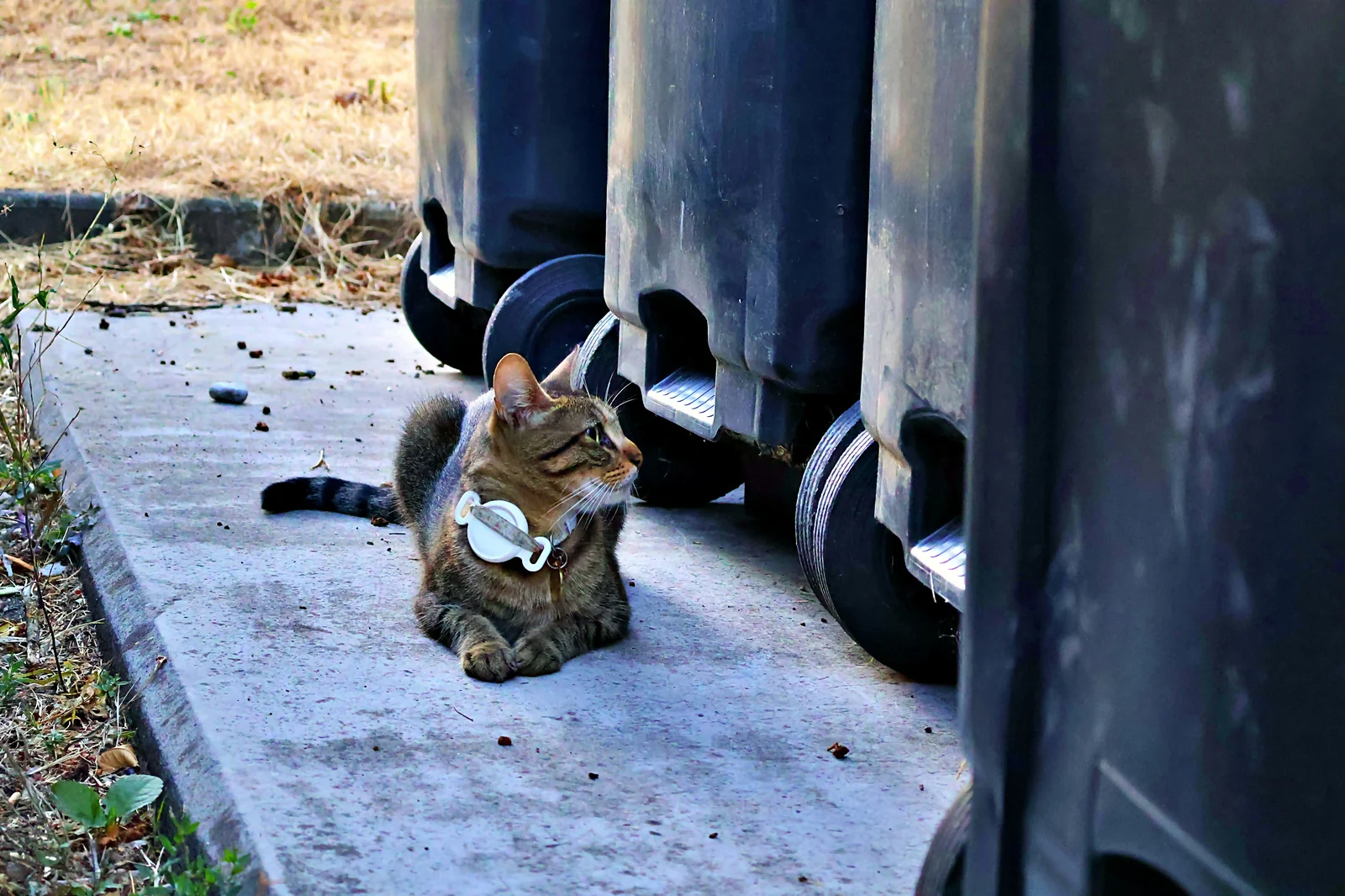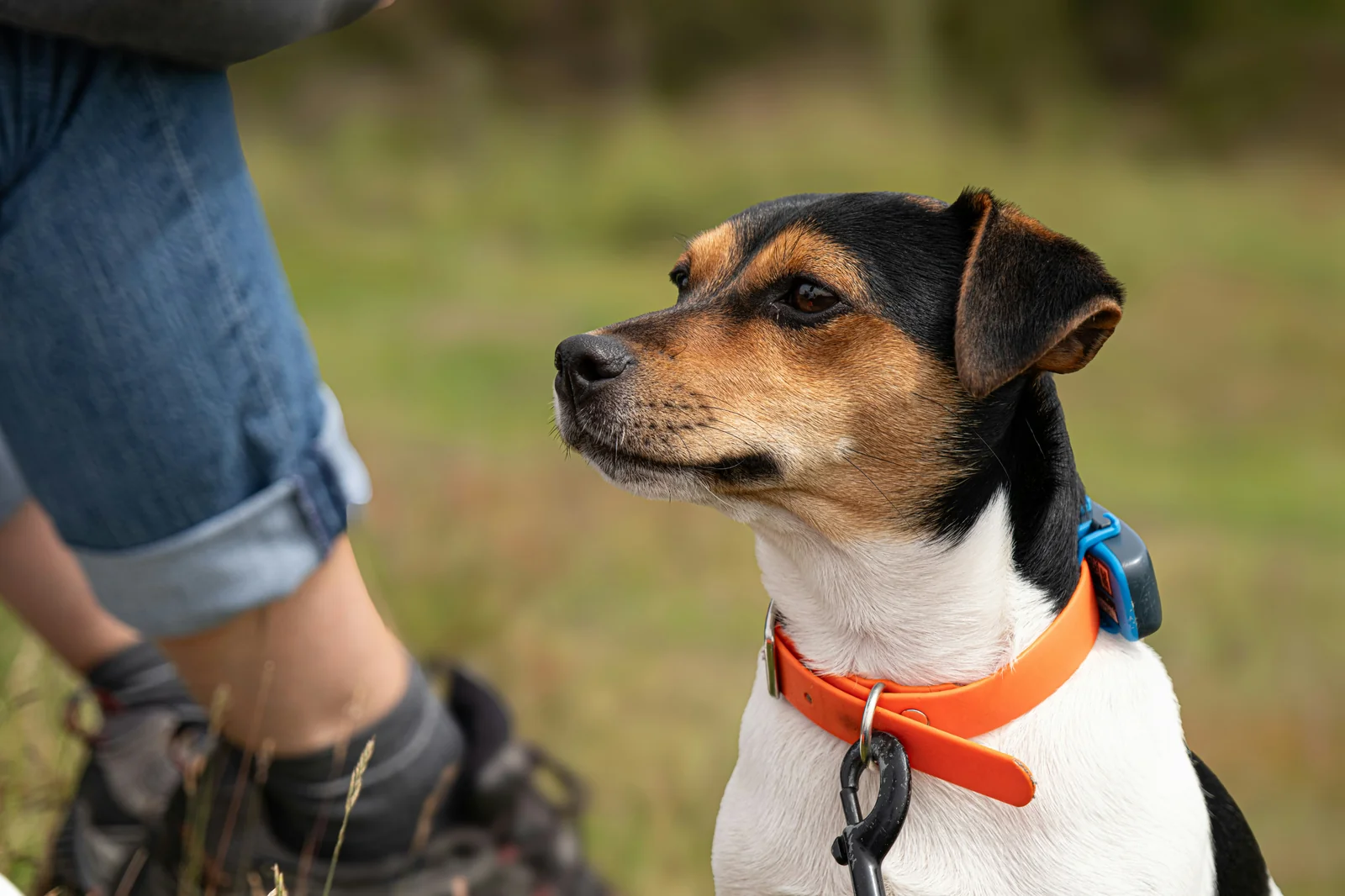
A pet tracker can seem reassuring until your pet actually gets loose. The app may open normally, yet the map can still show a location that is more than an hour old. In a busy city, that delay can leave you searching several blocks behind your pet. The same frustration can happen outdoors when dense trees or tall buildings interfere with location updates and the map no longer matches where your pet really is.
Setup problems can make the situation worse. A fresh battery does not help when the tracker will not turn on or finish pairing. Android owners may discover an even bigger issue if the device cannot connect reliably to their phone. These reported problems show why a tracker should be tested before it is trusted. Check how quickly the location refreshes, how it behaves when signals are blocked, whether it starts with a fresh battery, and whether it stays connected to the phone you actually use.
How Refresh Latency and Cloud Sync Delays Affect Emergency Location Updates
When a pet bolts through a busy city street, the nightmare is not seeing a bad map pin. It is opening the app and watching "Loading" sit there while your pet keeps moving. One owner in central Philadelphia reported that the tracker showed a location more than an hour old even with strong Wi-Fi and cellular data—the kind of delay that turns a search into a guessing game.
A particularly telling case involved PGH-AUDIT-JYVT. The owner bought five units for cats, yet every unit eventually failed after a few months, while one escape left the app displaying a location already more than an hour behind reality. For an emergency tracker, that is not a minor inconvenience; the map may still look reassuring while the animal is already somewhere else.
And there is a second problem hiding behind the spinning screen: slow location acquisition can make the tracker feel alive without actually giving you a useful position. Reports describe repeated loading states, inconsistent GPS acquisition, and connections that stopped working after roughly a week, leaving owners with a device that could still sit on the collar but no longer provide dependable help.
📍 Watch the Map When It Matters Most
Open the tracking app and check whether the displayed location actually changes as you and the device move. If the screen keeps loading, repeatedly shows an old position, or takes an unusually long time to refresh, do not mistake an open app for an active location feed.
The practical difference is huge. A tracker intended for escape detection needs updates quickly enough to follow a moving animal; the supplied safety guidance puts the target at 10 seconds or less for reliable escape detection.
That makes a one-hour-old location especially revealing. In a city, a pet can cross multiple blocks, disappear behind buildings, or move into another neighborhood long before the map catches up.
For owners comparing a pet collar tracking device or searching for a way to track your pet, the lesson is simple: "real-time" should mean the location is genuinely current when you need it, not merely that an app is capable of displaying a map.
The reported failures tied to this case make this particular product run worth approaching cautiously, especially if emergency escape recovery is the main reason for buying a tracker.
GPS Performance Under Heavy Tree Cover and Between High-Rise Buildings
If you take a best pet GPS tracker into dense woods, the first thing to watch is not the marketing label—it is whether the location keeps updating when the sky disappears behind leaves. One reported outdoor use case ended with the device losing satellite lock after the owner and dog moved into forest or mountain terrain.
Heavy tree cover can turn an otherwise usable location signal into a frustrating dead zone. The supplied evidence specifically flags tree canopy above 70% as a difficult environment, with signal loss becoming severe enough that a basic setup may stop producing a dependable position.
The same problem appears between tall buildings. A tracker that performs well in open space can struggle when surrounding structures block or reflect the signals it needs, leaving the app with a position that drifts noticeably away from where the pet actually is.
The important distinction is how the device handles a weak or obstructed view of the sky. The cited field evidence on Fastloc-GPS found 95% of locations within 25 meters of ground truth, while another supplied test of an IoT pet tracker reached 92.7% location-match accuracy under open-sky conditions. Those results show why an open-sky number should not automatically be treated as a forest or downtown guarantee.
For someone trying to track your pet during hiking, camping, or city walks, this is the real buying question: what happens when the sky is no longer friendly? A tracker that depends on a single weak signal path may become far less useful precisely when your dog disappears behind dense trees or between buildings.
That does not mean every conventional tracker will fail in every wooded area. It does mean environment matters, and the supplied evidence gives outdoor owners a good reason to favor systems designed to combine more than one source of positioning information when reliable recovery matters.
Troubleshooting Initial Device Pairing Failures and Premature Battery Drain
A tracker that refuses to wake up after you install a fresh battery creates a particularly ugly situation: you start troubleshooting the battery when the real problem may be the device itself. That frustration becomes worse when pairing stops halfway through setup and the instructions offer little useful guidance.
One reported case, anonymized as PGH-AUDIT-QJRG, involved a device that would not power on even after multiple new batteries had been verified as working. Pairing attempts also failed, and the unclear instructions made basic setup and battery access harder than they needed to be.
The practical consequence is simple: a dead tracker cannot become useful just because its battery tests good. If the device suddenly disconnects, refuses to restart, and remains unresponsive after a battery replacement, repeatedly resetting it may only waste the few minutes you should be spending figuring out whether it can actually be trusted.
⚡ Swap the Battery, Then Watch the Startup
Install a known-good fresh battery and try the normal startup sequence once. Check whether the device gives its expected sign of life and whether the phone can complete pairing; if there is still no response, do not assume another battery will magically fix it.
The supplied technical evidence points to excessive power draw and damage from unwanted current flow as possible causes of permanent failure in poorly made circuitry. In plain English, the device can consume power abnormally or suffer internal damage, leaving a fresh battery with nothing useful to power.
That also explains why a tracker can appear fine initially and then become useless shortly afterward. The reported case had already shown a broader pattern of connection failure and eventual loss of tracking function, rather than a simple one-off flat battery.
For a pet owner, premature battery drain and pairing trouble should be treated as separate warning signs, not two problems to solve by endlessly buying batteries. If a fresh, verified battery produces no startup response and pairing cannot be completed, this particular product run deserves caution rather than repeated troubleshooting.
Android vs. iOS Setup Differences and System Compatibility Checkpoints
Buying a pet tracker and discovering that it will not pair with your phone is bad enough. Finding out only after setup that the device cannot connect to Android at all is worse, because the hardware may already be sitting on your pet's collar while the promised tracking function remains out of reach.
That is what happened in the reported case anonymized as PGH-AUDIT-JYVT. The device was specifically reported as incompatible with Android, while a phone restart interrupted pairing and the tracker stopped producing its startup sound. Repeated connection attempts did not restore normal use.
For households using both Android and iPhone devices, this distinction matters before purchase, not after the tracker is installed. A product can look like a general-purpose pet tracker while actually depending on a narrower phone ecosystem, leaving one family member unable to access the device when the other phone is unavailable.
🔗 Pair It Before You Trust It
Before attaching the tracker to your pet, install the required app on the phone you actually plan to carry. Complete the pairing process from start to finish, then restart the phone and confirm that the tracker reconnects rather than assuming the first successful connection proves compatibility.
The reported failure is especially frustrating because the device did not merely lack a convenient Android feature. The pairing process could break after a restart, with no useful startup signal afterward, turning a compatibility problem into a device that appeared effectively dead.
The supplied technical material also points to a broader concern with inexpensive trackers that depend heavily on a particular phone ecosystem. If the hardware does not provide dependable cross-platform support, the compatibility claim needs to be judged by actual pairing behavior, not by a generic statement that smartphones are supported.
For Android owners, this particular reported batch deserves caution. A tracker that cannot reliably pair, reconnect, and remain usable on the intended phone is not much help when you need to track your pet quickly.
CONCLUSION
The most important lesson is to judge a pet tracker by what it does during real use, not simply by whether its app can display a map. Move with the tracker and watch whether the location changes promptly. If it stays stuck on an old position or keeps loading, that is a warning sign for escape recovery. The supplied guidance points to updates of 10 seconds or less as a useful target when quick escape detection matters.
Also test the places where your pet is likely to go. Heavy tree cover and tall buildings can make location updates less dependable, even when open-area tracking appears accurate. Setup deserves the same attention. Use a known-good fresh battery, complete pairing, restart the phone, and confirm that the tracker reconnects. Android users should verify compatibility before attaching the device to a pet.
THE ULTIMATE BUYING VERDICT
| Verdict | Key Consideration | Recommendation |
|---|---|---|
| 🔴 Significant concerns | Very old location updates, repeated loading, pairing failures, Android incompatibility, or failure to start after a verified battery change | Avoid relying on a tracker with these problems for emergency escape recovery. |
| 🟡 Acceptable with limitations | Location performance may become less dependable under heavy tree cover or between tall buildings | Test the tracker in the environments where your pet is most likely to travel before depending on it. |
| 🟢 Meets long-term expectations | Current location updates, reliable startup, successful phone pairing, dependable reconnection, and useful performance in the intended environment | Look for a tracker that stays connected and provides genuinely current locations when you need them. |